

Studies show that 75% of homeowners feel safer when using smart home devices while traveling. Establishing a smart home routine not only protects your property but also saves an average of 15% on energy costs. Here's a guide to creating an effective smart home routine tailored for your travels.
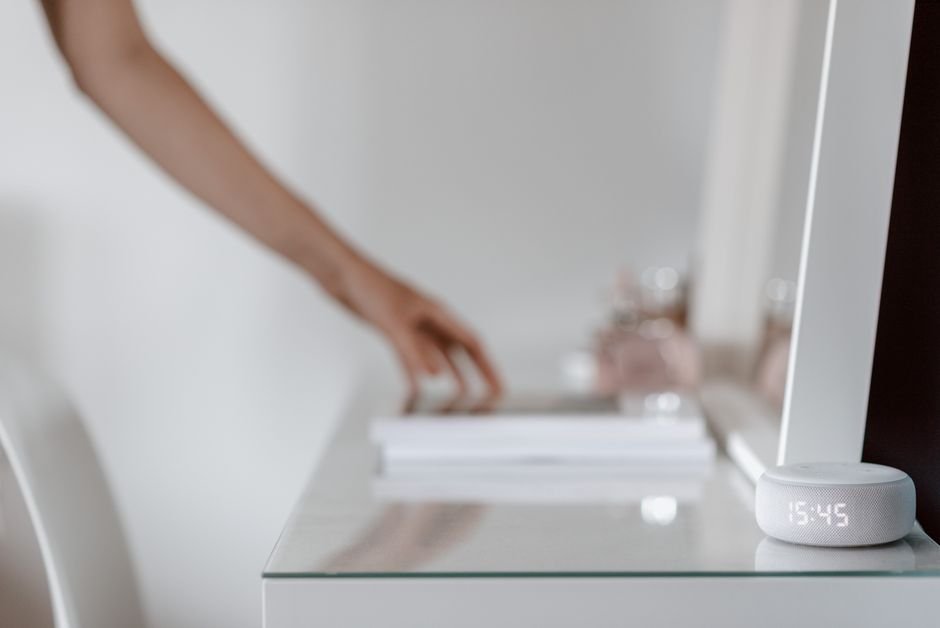
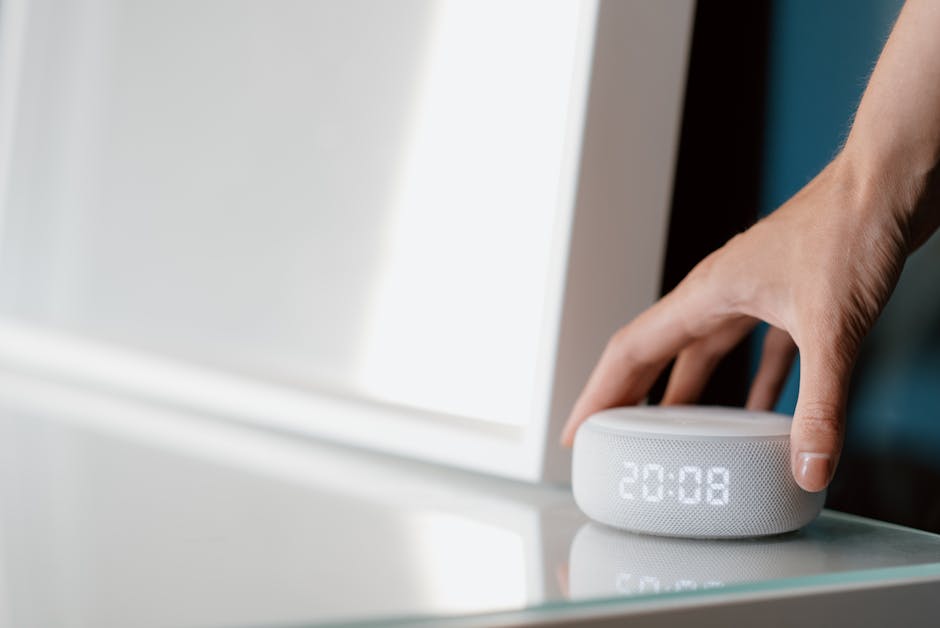
First, you need to think about the automation aspects. Smart home devices work best when they are integrated and can communicate with each other. Voice control is a game-changer. I’ve discovered through experience that my smart speakers can manage everything from lights to security systems, allowing me to control my entire environment with simple commands, even when I’m not home.
Why Smart Home Routines Matter
Smart home routines are critical when traveling because they mimic your lifestyle, making it appear like someone is home. This is hugely important for deterring potential intruders. When I tailored my routines to match my daily patterns, it felt like having an extra layer of security in place. For example, lights that automatically turn on at sunset can simulate your presence and protect your belongings.
Additionally, energy consumption also comes into play. By setting up routines, I can turn off unnecessary devices while I’m away, saving money and reducing my ecological footprint. It’s shocking how much energy smart devices can waste if left on unknowingly. Incorporating routine optimization can take your home automation to the next level.
Choosing the Right Devices for Travel
Every smart home begins with the right devices that align with your travel patterns. Here’s what I prioritize:
- Smart Locks: I never worry about lost keys anymore. Smart locks give me the flexibility to lock and unlock my home from anywhere using my smartphone, which is great for when I’m away.
- Smart Cameras: Surveillance that I can monitor from my phone keeps me calm while traveling. Knowing that I can connect to my cameras anytime gives me peace of mind.
- Smart Lighting: I program my lights to turn on and off at specific times. It doesn’t just save energy; it discourages unwanted visitors, too.
Integrating these devices makes my life easier while I travel. Every device must work harmoniously with the others. For instance, using the same app to control my locks and cameras simplifies my routine immensely. I’ve found that setting all these devices to work together before I leave really enhances the efficiency of my routine.

Setting Up Your Travel Routine
The next step is to establish the actual routines. Begin by outlining what you want your smart home to do while you’re gone. For instance, I often set my lights on a schedule according to sunset times, and I use my smart thermostat to adjust the temperature, ensuring energy efficiency. Setting these routines is generally user-friendly, with most apps guiding you through each step.
Voice control is a significant feature here. I love using voice commands to activate “Away Mode.” With a simple phrase, I can lock doors, activate cameras, and turn off unnecessary electronics. I also schedule reminders to check in on my home remotely, ensuring everything is functioning as expected. That’s a little safety net I’ve come to rely on.
Security Considerations While You Travel
While smart homes are generally safe, you need to be aware of potential security risks. Make sure to update the firmware of your devices regularly to protect them against vulnerabilities. I also recommend using robust passwords and, where possible, enabling two-factor authentication. It adds an essential layer of security that can save you from headaches later.
This isn’t just about protecting physical items. It’s also about the peace of mind that comes with knowing you’ve taken precautions. Trust me, the security of my home while I’m away is a top priority for me, and these strategies provide reassurance.
Related reading: living room.
If that matters to you, our piece on method of organizing goes further.
Final Thoughts on a Smart Home for Stress-Free Travel
I recommend starting with smart locks and cameras for security, which are suitable for homeowners who frequently travel. Those looking to save on energy should consider smart thermostats and lighting systems. These options help safeguard your home and reduce costs effectively.
Frequently Asked Questions
What is the best way to automate a home?
The best way to automate a home is by integrating smart devices that can communicate with each other using a central hub or a compatible app. Start with devices like smart lights, thermostats, and security systems, then gradually add more devices to create a cohesive automated environment.
How can I create a travel-friendly smart home routine?
To create a travel-friendly smart home routine, set up your devices to simulate your presence at home, such as scheduling lights to turn on and off at specific times. Additionally, ensure remote access is enabled so you can control devices through your smartphone while you are away. You can learn more about how to create a smart home routine.
Why are smart home routines beneficial?
Smart home routines are beneficial because they enhance convenience by automating everyday tasks, saving time and effort. They also allow for personalization of your environment, making it more comfortable and suited to your lifestyle.
Can smart home routines save energy?
Yes, smart home routines can save energy by optimizing the use of appliances and lighting based on your habits. For instance, scheduling your thermostat to adjust temperatures when you're not home or using smart plugs to turn off devices can significantly reduce energy consumption.
How do smart home routines improve security?
Smart home routines improve security by allowing for automated actions that deter intruders, such as scheduling lights to turn on at night or integrating smart cameras that can alert you to unusual activity. Additionally, remote access to security systems enables homeowners to monitor their property in real-time, even when they are away.



Leave a Reply